Modifying Plot Properties
AutoComplete
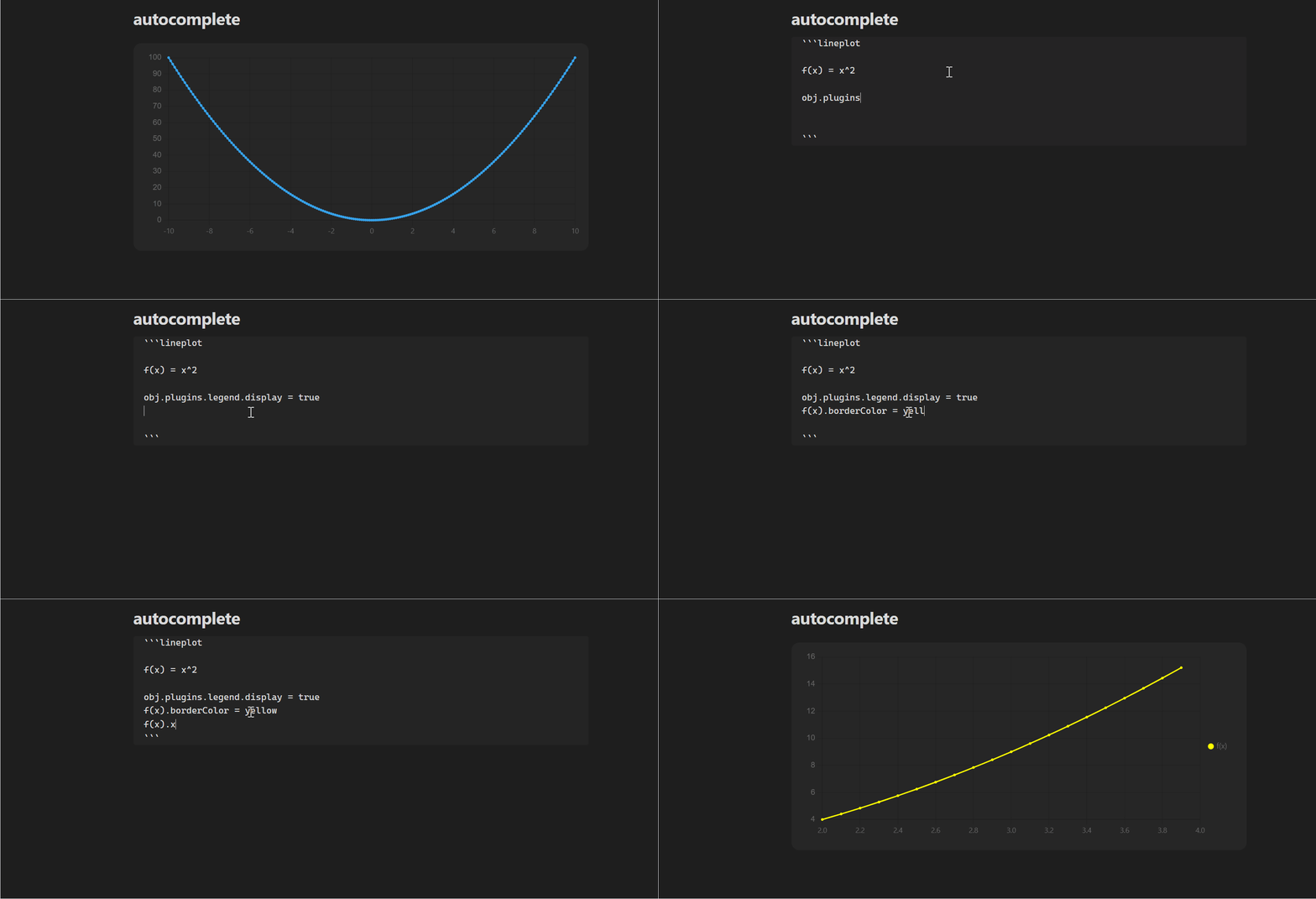
The plugin supports basic autocompletion for chart properties. Right now its limited to properties I have included as defaults. If you wish to modify some property that does not appear in the autocomplete you can still do so with the same syntax.
For more information on plot and line properties visit the official Chart.js website.
Plot Properties
Any property that lives under ChartOptions in Chart.js can be modified per plot using the obj keyword.
y(f) = 2f + 20

obj.plugins.title.text = Some Title
obj.scales.x.title.text = f Axis
obj.scales.y.title.text = y Axis
Line Properties
You can specify the styling of each dataset using its name. Example. More properties can be found at Chart.js.
somename = x + 1

somename.borderColor = yellow
somename.pointStyle = star
Global Properties
Global properties will work on canvas/wrapper customization. For example you can change the height of the chart with global.canvasHeight = 400.
The various options available will show up by the autocomplete feature when writing global.
Custom Properties
These are properties I have added to extend control of each plot but can be accessed in with the same keys shown above.
xrange
xrange is a custom property that can be defined for each dataset. Using the example above somename.xrange = [Start, End, Step]. You can also define a range for all datasets in a plot using global.xrange.